



How Much Faster Is an Ethernet Connection Than the Best WiFi
Your video call drops right when you’re saying something important. Your download just can’t seem to finish while FOOBAR 4000 is trying to update.
Ethernet doesn’t always download faster than WiFi, and the Ethernet vs WiFi fight isn’t as simple as picking the bigger number. WiFi 7 advertises speeds of just over 46 Gbps, but realistic speeds on a client WiFi 7 device land closer to 5.8 Gbps. Typical Ethernet connections, meanwhile, top out at 1, 2.5, 5, or 10 Gbps, depending on your cable and routers or switches.
So is Ethernet faster than WiFi? Comparing WiFi vs Ethernet speed based on advertised maximum throughput alone, wireless looks superior on paper, but Ethernet speed vs WiFi speed comes down to consistency, not peak performance. Ethernet earns its “fast enough” reputation because wired connections deliver steady throughput, lower Ethernet vs WiFi latency, and minimal interference.
How Ethernet and WiFi Connect Your Devices
Both WiFi and wired Ethernet exist to solve one basic problem: they connect your devices to your home network or business network. The main difference is how they accomplish that task, and that difference is what keeps the wired vs wireless connection debate going.
Ethernet Creates a Direct Connection
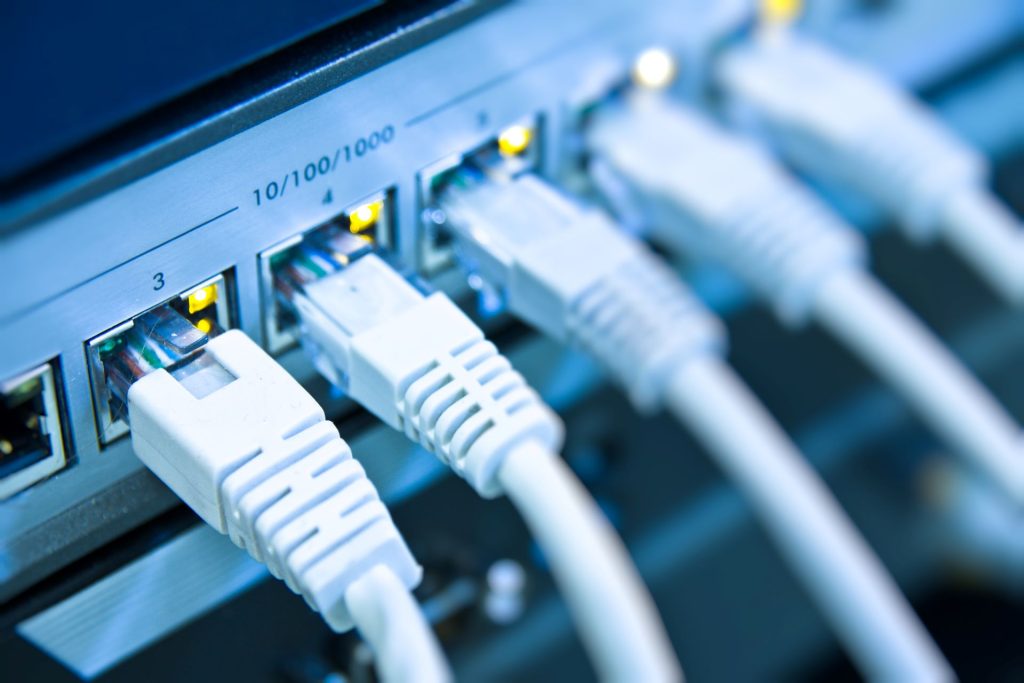
Ethernet starts with a cable. That cable, whether it be Cat5e, Cat6, or better, runs from your Ethernet adapter card into a port on your router, switch, or network bridge. As far as your device is concerned, that cable creates a wired internet connection with nothing in between. That one-on-one connection is why wired Ethernet transfers are so reliable.
WiFi Connects Over Radio Waves
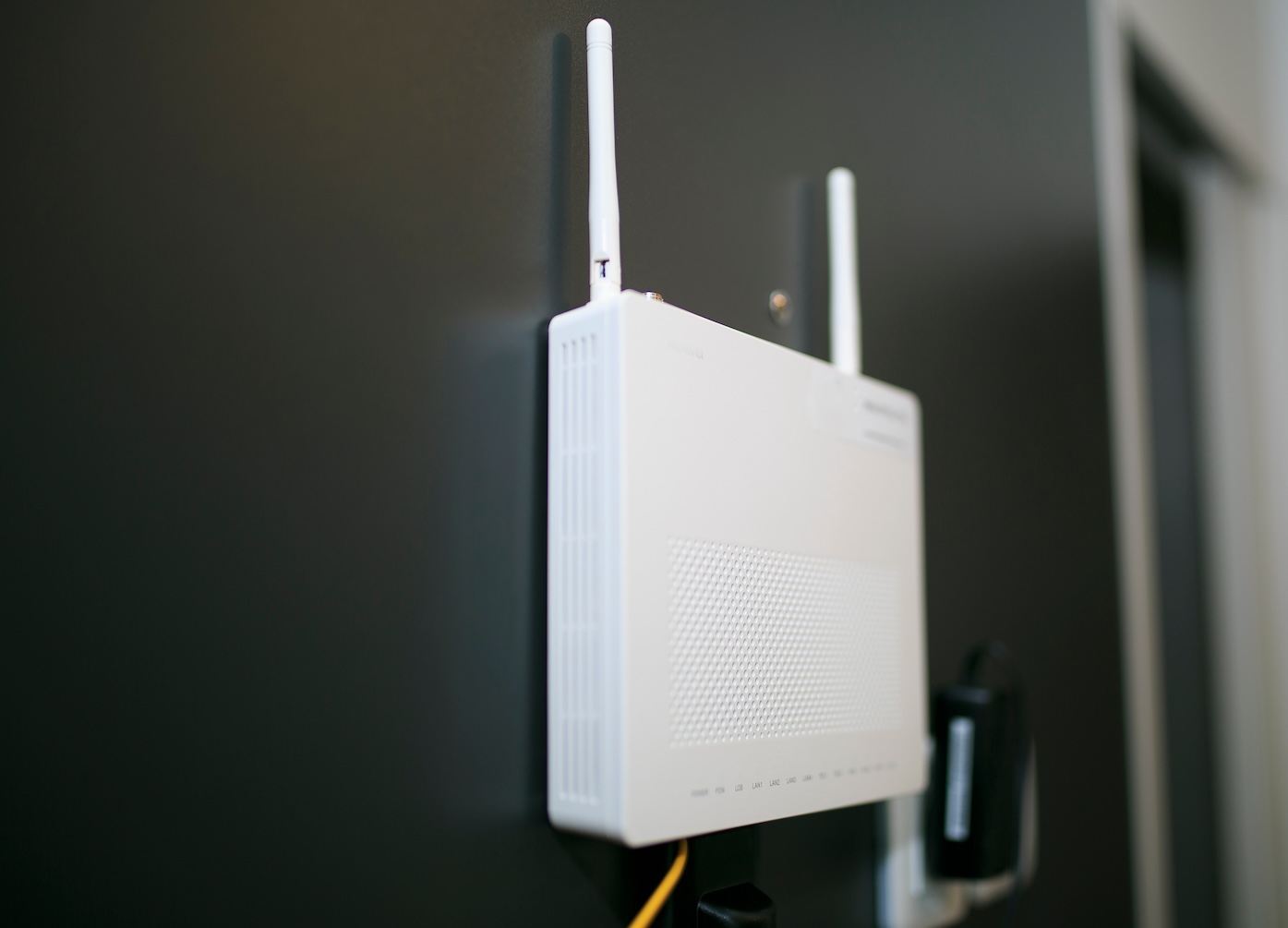
WiFi works differently. Your wireless router or network access point transmits and receives data using radio waves on either a 2.4 GHz, 5 GHz or, if you have one of the newest WiFi 6E or WiFi 7 devices, a 6 GHz WiFi frequency band. But every wireless device on your network shares that radio connection.
Speed Comparison: Ethernet and WiFi
Here’s how Ethernet vs WiFi speed compares from the manufacturers’ perspective:
| Connection | Advertised Maximum | Typical Limiting Factors | Best Use |
|---|---|---|---|
| Gigabit Ethernet | 1 Gbps | Port, cable, device hardware | Gaming, workstations |
| 2.5 Gigabit Ethernet | 2.5 Gbps | Compatible ports and cabling | Multi-gig internet, NAS |
| 10 Gigabit Ethernet | 10 Gbps | Hardware and cable category | Business networks, servers |
| WiFi 6/6E | Device-dependent | Distance, walls, congestion | General wireless use |
| WiFi 7 | Up to 46 Gbps theoretical aggregate | Client streams, channel width, interference | New high-performance wireless networks |
Ethernet Speeds
Ethernet comes in a few common speeds:
- Fast Ethernet: 100 Mbps – now largely obsolete for most uses
- Gigabit Ethernet: 1 Gbps – still most common for routers and laptops
- Multi-Gig Ethernet: 2.5 and 5 Gbps – now available in newer routers and many NAS devices
- 10 Gigabit Ethernet: Frequently used with server-level hardware and business networks
2.5GBASE-T and 5GBASE-T also happen to work over installed Cat5e vs Cat6 cable most of the time, all the way from your Ethernet port to the router, up to 100 meters (~328 feet). This will affect your achievable Ethernet cable speeds more than most users realize.
WiFi Generations
WiFi 6, 6E, and WiFi 7 offer massive theoretical speeds over WiFi 5’s respectable everyday throughput. However, remember advertised WiFi connection speeds are the maximum capacity of the link, not the WiFi speed you will typically see on your local network or internet connection.
Recent WiFi 6 and WiFi 7 advances include wider channel bandwidths (up to 320 MHz!), with WiFi 7 adding features like Multi-Link Operation, which allows devices to send and receive across multiple frequency bands simultaneously. That means WiFi 7’s total aggregate bandwidth can dwarf what your typical wired connection will see.

WiFi Performance When You Use It
How much faster Ethernet is than WiFi depends on:
- How fast your Ethernet port can go
- What WiFi standard your router and devices support
- How far away your device is from the router
Distance from access points, network congestion, interference, and your internet plan’s speed all factor in too, but there’s no single multiplier that applies to every setup.
Home network performance depends on more than advertised speeds. It’s shaped by your Ethernet port, your WiFi standard, and how far your devices sit from the router.
Ethernet vs WiFi When You Have Gigabit Internet
Your wired Gigabit Ethernet connection will always come close to maxing out your internet plan’s available speed. A good wireless connection can come close too, though interference and network congestion make it less consistent.
Large File Downloads
Sustained transfers, such as large downloads and uploads to cloud storage, are where Ethernet’s consistency shows up most. Wireless connections are far more prone to stalls and choppy throughput, when steady lag and jitter are far more important than throughput (gaming, video calling, etc.)
Why Wired Connections Feel Faster
Ethernet Has More Consistent Latency
Ethernet vs WiFi latency is one of the clearest differences between the two – wired connections stay steady, while wireless latency shifts with distance, interference, and network load. Run an Ethernet ping vs WiFi ping test side by side and you’ll usually see the same story: the wired connection will remain consistent while WiFi fluctuates based on other network activity.
A wired network doesn’t have to compete with neighboring wireless routers for airtime or transmit through walls and other building materials (a leading cause of WiFi interference), plus your signal won’t have to contend with microwaves and other electronics like Bluetooth speakers and baby monitors.
Consistent WiFi Speed Indoors at Longer Ranges
Distance affects WiFi more than Ethernet, since WiFi strength degrades predictably over distance. Even if your house is wired, Ethernet doesn’t lose connection strength just because something is in the room next door. Both still have the same maximum speeds, but WiFi doesn’t deliver those speeds at long range the way Ethernet does.
Less Vulnerable to Packet Loss
Packet loss is especially noticeable on video calls and gaming, where losing one packet of data can mean the difference between smooth video and awkward glitch art. Wired connections simply don’t have as many potential points of packet loss as wireless connections do. This is yet another reason why a wired connection for gaming is going to beat WiFi when it matters.
Greater Connection Security
To use a wired connection, you usually need access to the physical network. This provides security WiFi doesn’t offer out-of-the-box. However configuration is still important regardless of the type of connection.

Should WiFi 7 Be Faster Than Ethernet?
Short answer: yes, sometimes. In WiFi 7 vs Ethernet comparisons, wireless can technically win on paper, but a wired port still delivers that speed more reliably day to day. WiFi 7 connections can be faster than even a 1 Gigabit Ethernet port under the right circumstances, but a 46 Gbps rated WiFi 7 router won’t magically connect to your device faster than 2.5, 5, or 10 Gigabit Ethernet will.
Intel released a helpful breakdown of WiFi 7. Even with ideal conditions, Intel’s own information puts WiFi 7’s real world speed-per-stream at only about 5.8 Gbps. This is much faster than most WiFi you’ll come across, but not necessarily faster than a wired connection.
Ethernet Isn’t Always the Faster Port on Your Router
Even if your router is WiFi 7 capable, that doesn’t mean all its Ethernet ports are as well. Wireless speeds have generally been increasing at a quicker rate than wired speeds across consumer devices.
Devices Also Have to Support WiFi 7
Just because your router supports WiFi 7 doesn’t mean your device does too. Last-gen phones, TVs, laptops, and gaming consoles are probably stuck with whatever WiFi speed they shipped with. Your router and your device still have to agree on WiFi speeds before you see any benefit.
When Your Internet Plan Limits You
It’s worth separating internet speed vs network speed: no matter how fast your local network is, if you have a 100 Mbps internet connection, you’re not going to see faster than 100 Mbps upload or download speeds on devices that leave your home network. Everything outside your WiFi network or Ethernet connection is still capped by your internet service.
When to Use Ethernet
Gaming Computers
Ethernet beats WiFi whenever lower latency/reliability is more important than maximum bandwidth – which is what Ethernet vs WiFi gaming tests ultimately measure.
Desktop Computers
When your home office needs to upload large files to the cloud, video conference with little to no delay, bonding your desktop to your network makes sense.
Streaming Devices
Most streaming devices work fine over wireless, but a wired connection eliminates buffering during peak-traffic moments.
Servers and Network Attached Storage
NAS devices and servers stay in one place and run constantly, making them ideal candidates for a dedicated wired connection.
When to Use WiFi
Laptops, Phones, Tablets
Mobile phones, tablets, and every other device that needs to roam your house unencumbered by cables are exactly where WiFi shines.
Rooms You Can’t Wire
If you’re renting, or if your “extended living area” already has walls and floors in place, running Ethernet to every possible device isn’t always an option.
Regular Web Browsing and Streaming
If you don’t need super low latency and your WiFi connection is otherwise reliable, staying wireless is totally fine for basic web surfing and streaming.
Tips to Get the Best Ethernet and WiFi Performance
Check Maximum Speeds for Both
Check your router, Ethernet cable, and WiFi specs to confirm every device and connection point supports the speeds you want.
Wireless Networks Live in 3D
Good WiFi placement means keeping your router up off the ground, out in the open, and away from microwaves or cabinets.
Get a Mesh Network If You Need It
A mesh WiFi system places multiple wireless routers around your home so you stay covered no matter where you roam, and it pairs well with 24-7 & West Wisconsin Telcom’s whole-home WiFi offering for households that want broader coverage without the guesswork.
WiFi Speed Tests Should Be Done Wired
To find out whether a slowdown is coming from your WiFi or your internet service, plug into your router with an Ethernet cable and run a speed test. Decent speeds mean the problem is wireless, whereas slow speeds point to your internet service.
Frequently Asked Questions About Ethernet vs WiFi
Is Ethernet always faster than WiFi?
Not always. Ethernet is usually more consistent, but high-end WiFi 7 can exceed a 1 Gbps Ethernet port under the right conditions.
Does Ethernet reduce internet speed for WiFi users?
No. Connecting one device by cable doesn’t slow down WiFi for everyone else on the network.
Is Ethernet better for gaming?
Generally, yes. Lower latency, less jitter, and more reliable performance make wired connections preferable for competitive or time-sensitive gaming.
Does a longer Ethernet cable make the connection slower?
Not as long as the cable stays within its supported distance limits and is a reasonable quality. Cable category and condition matter more than length alone.
Can I use Ethernet and WiFi at the same time?
Yes, and most households should. Wiring in stationary, high-priority devices while using WiFi for everything else is the most practical setup for the way people actually use their homes today.

Ethernet or WiFi: Which One Should You Choose?
For most homes, the honest answer is both. Ethernet works best for stationary, high-priority devices where consistency matters. WiFi handles mobility and everyday convenience. Mesh systems or additional access points fill in broader wireless coverage. And underneath all of it, fiber internet provides the high-capacity foundation that makes both connection types worth having.
Get the Most From Your Fiber Internet Connection
A solid fiber internet connection gives wired devices the bandwidth headroom they need while still supporting strong fiber internet and WiFi throughout the house. Pairing that with reliable cloud backup or smart home monitoring keeps your whole network working the way it should.
Whether you lean toward Ethernet, WiFi, or a mix of both, Smart Home WiFi+ from 24-7 & West Wisconsin Telcom can extend reliable, mesh-backed coverage to every corner of your home. Contact the local team at 24-7 & West Wisconsin Telcom for fiber internet and whole-home WiFi solutions built for the way your household connects.