


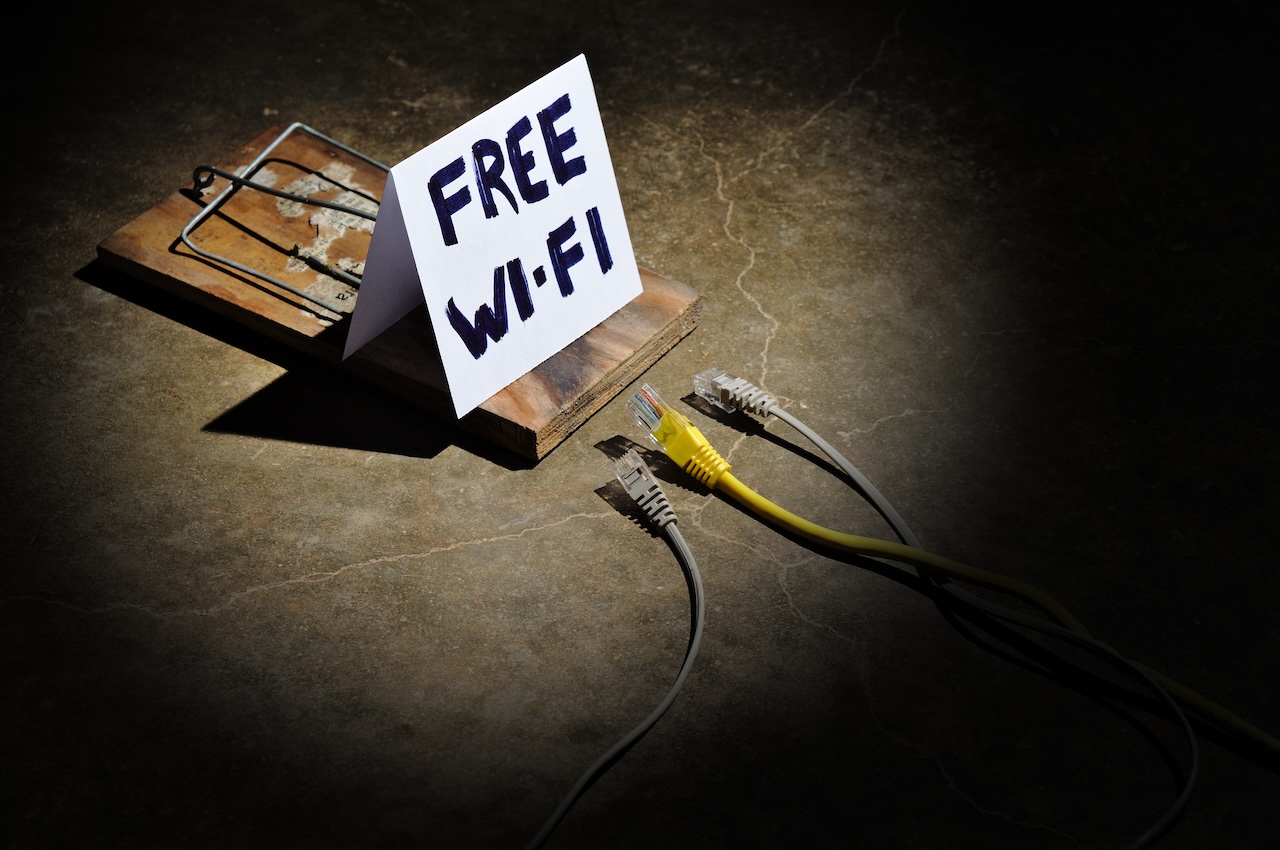

Public WiFi Risks and How to Protect Your Data While Using It
Jumping onto your local coffee shop’s free WiFi is one of life’s guilty pleasures. But public WiFi security risks are serious, though very few users think twice before hopping on.
Public WiFi isn’t as private as your home or office network. Instead, dozens (or hundreds) of strangers are connected to the same router. Not only that, but cybercriminals can lurk on public networks to spy on your activity, steal your accounts, and take control of your devices without you even knowing what’s happening.
Let’s look at the details on the biggest threats, how to spot them, and what you can do to protect your personal information online.

What Are Public WiFi Security Risks?
An example of public WiFi security risk would be using open, shared, or otherwise unsecured WiFi networks at coffee shops, airports, and other public locations. If your WiFi network at home is secure, only those with your password can access your WiFi. Public WiFi networks typically have no password protection stopping anyone (including criminals potentially sitting right next to you) from accessing the same network.
When a network isn’t properly encrypted, public network security breaks down entirely. The data traveling back and forth between your device and the internet can be intercepted. Hackers don’t need advanced technology to exploit unsecured WiFi networks, and sadly many attacks can be done with rudimentary tools and a little know-how.
Who Is Most At Risk Using Public WiFi?
If you use public networks, you are at some degree of risk. WiFi for remote work, such as video conferencing, accessing cloud files, or communicating with clients, opens up workers to the risk of leaking company information. Hotel guests checking bank statements on the hotel or airport WiFi, students surfing the web on campus hotspots, customers typing in credit card information on retail WiFi. These are all examples of when not to use public networks for personal online activities.
Even harmless web browsing can compromise public WiFi safety when usernames and websites visited are shared with cybercriminals lurking on the network.
The Biggest Dangers of Using Public WiFi
Man-in-the-Middle Attacks
Man-in-the-middle attacks allow hackers to intercept traffic between your device and anything you try to connect to. Hackers can read unencrypted traffic, sniff passwords you type into websites, and inject malicious links into sites you visit.
Fake WiFi Hotspots and Evil Twin Networks
Hackers purchase low-cost WiFi routers and set them up to send out a WiFi signal on the same channel as a legitimate hotspot. They set the hacker-created network’s name to “Starbucks_WiFi_Free” right next to the legitimate network. By doing that, the hacker has created their own fake WiFi hotspot posing as the real deal. This is just one prime example of how flimsy public hotspot security can be if you’re not cautious.
Unencrypted Connections
When you visit a website that doesn’t use HTTPS, an unencrypted connection you use has the lock icon disabled or you connect to an open network that has no WPA2 or WPA3 encryption, anyone else on that network can view any information you send that’s not secured.
Malware Distribution on Public WiFi
Compromised public networks are one of the most common vectors for data theft on public WiFi. They either masquerade malware as a software update you should install, or install it on your device through unsecured file-sharing applications that are on the network. Many types of malware will search your device for passwords you’ve stored giving attackers access to your accounts even after you’ve disconnected from the network.
Session Hijacking and Account Theft
Session hijacking happens when someone steals your session cookie, which usually happens from browsing on an open network. A session cookie is a small piece of data that a website’s server sends to your browser that confirms you’re logged into that site. With your session cookie, an attacker can view your email, social media, and log in to your work computer without ever knowing your password.

Signs a Public WiFi Network May Not Be Safe
- Network names with typos or vague, generic names like “Free WiFi” or “Public Network”
- Duplicate networks are listed in your available WiFi list
- Networks with no password
- Login portals that don’t use HTTPS
- Networks without signage or confirmation from staff
- Fully open networks with no login screen
- Unfamiliar captive portal login pages
How to Protect Your Data on Public WiFi
Step 1: Use a VPN for Public WiFi Networks
A virtual private network (VPN) tunnels your traffic through a secure server and encrypts data in transit. That way if someone were to intercept your traffic on public WiFi, they wouldn’t be able to decrypt it to read your message.
Step 2: Stick to HTTPS Websites
As we’ve stated earlier, safe browsing on public WiFi starts with a secure internet connection. Before you log into any private accounts on public WiFi, ensure that you see HTTPS:// in the browser’s address bar. If you notice it says “HTTP: //” instead of “HTTPS://”, bail on that site straight away.
Step 3: Avoid Signing Into Accounts on Public WiFi
Using public WiFi safely means using it just for reading news articles, checking weather apps, and light browsing. Nothing that could compromise your security or identity.
Step 4: Turn Off WiFi Auto-Join
Don’t let your phone auto-connect to saved WiFi networks. Hackers can intentionally name their network “StarbucksPublic” hoping your device auto-connects to their malicious hotspot.
Step 5: Turn Off File Sharing and AirDrop
Throw a few more obstacles in the attacker’s way when your device is connected to a public network. Turn off file sharing services like AirDrop. File sharing opens up your device to every other individual on that network.
Step 6: Keep Your Device Updated
Software updates aren’t there to bother you. They contain critical security updates that protect your device from known vulnerabilities.
Step 7: Use Multi-Factor Authentication
Enable multi-factor authentication (MFA) on all of your accounts. This will require you to confirm your identity with something you know (password) and something you have (fingerprint or one-time code texted to your phone).

Public WiFi Best Practices for Remote Workers and Small Businesses
Remote workers need to be especially aware of WiFi phishing risks. A cybercriminal with admin access can lock your entire business out of client systems. Before you connect to public WiFi for work:
- Use a company-approved VPN when connecting to public networks
- Keep work browsing activity separate from personal web history
- Follow your company’s remote work and mobile device security policies
Always create a dedicated, password-protected guest network for customers or employees who want WiFi access. Learn more about how to set up a business guest WiFi network.
Public WiFi vs. Mobile Hotspots: Which Is Safer?
When deciding between a mobile hotspot vs public WiFi, the personal hotspot wins on security almost every time. When you create a hotspot from your phone or a dedicated device, you control who connects. You set the password and monitor usage. Public WiFi is used by hundreds of strangers with no password required.
Having your own mobile hotspot is always the safest option compared to using public WiFi networks, provided that the cost of mobile data isn’t prohibitive. Even so when you’re on your own hotspot, you should always be sure to encrypt your traffic with a VPN and browse responsibly. When you’re at home, you should make sure your network is optimized to securely support all your devices. Read on to learn how to optimize your home internet for multiple devices.
Common Public WiFi Security Mistakes
Logging Into Sensitive Accounts Without Protection
Checking your banking, changing passwords, or even accessing work systems on public WiFi puts you at risk.
Reusing Weak Passwords
Using a strong, unique password for every account limits the damage of any single exposure.
Ignoring Phishing Attempts on Public Networks
Attack emails, pop-ups, and malicious downloads will be something you’ll see frequently. Learn how to spot phishing emails and malicious prompts, and never click on links or input credentials if you’re unsure of the source’s validity.
Forgetting to Run Antivirus Software
If you’ve used public WiFi at a coffee shop and typed in your bank password, run a virus scan.

What To Do If You Think Your Data Was Exposed on Public WiFi
Disconnect from the Network Right Away
Stop using the internet and forget the network on your device immediately.
Change Your Passwords
Starting with your email, update your passwords for any accounts you logged into while connected to the compromised network.
Monitor Financial and Account Activity
Review your bank accounts, credit cards, and any accounts you’ve signed into recently for suspicious transactions, logins, or account recovery attempts that you didn’t initiate. Most financial platforms and email providers show recent login history, so use it.
Scan Your Device for Malware
Run a complete antivirus scan on your device before connecting to another public network. Also apply any pending software updates as patches close the vulnerabilities attackers may have tried to exploit.
Contact IT If You Use a Work Device
Contact your IT/security department or administrator if you believe your work phone or laptop has been breached. Most organizations will have a process in place for these types of situations.

Quick Checklist for Safer Public WiFi Use
Before Connecting
- Double check the WiFi network name with posted signage or staff
- Turn off WiFi auto-connect on your devices
- Turn on your VPN before connecting to public WiFi
- Keep your operating system and apps up-to-date
While Connected
- Visit HTTPS websites only
- Avoid logging into sensitive accounts
- Keep file sharing off on your device
- Pay attention to any suspicious activity
After Disconnecting
- Forget the network on your device
- Check account activity if you logged into sensitive accounts
- Re-enable file sharing features once you’re on a trusted network
Stay Safer Online with Smarter Internet and Security Habits
Understanding public WiFi security risks is the first step toward protecting yourself, and applying these public internet safety tips consistently will serve you for life.
If you’re looking for a dependable internet with integrated safety and support so you can live online with greater confidence, 24-7 & West Wisconsin Telcom has the solution. Our residential internet plans and business internet services were designed with you in mind.
Don’t throw in the towel when connecting to public WiFi. We make it easy for you to protect your online privacy. Learn how to build better habits browsing in public and come home to peace of mind with a connection you can trust with 24-7 & West Wisconsin Telcom.





