



Can Fiber Internet Work Without Electricity? Backup Options That Keep You Online
Does fiber internet work during a power outage? Not on its own. But if you have the right backup internet power solutions, you can stay connected for hours, even during an extended fiber internet power outage.
From fiber ONT battery backup to portable power stations, here’s how to protect your WiFi, keep WiFi on during outage situations, and get storm-ready for reliable power outage home internet access.
Why the Internet Goes Down When the Lights Do
The fiber network (known as the “outside plant”) is super reliable. Your fiber provider has generators and other solutions to ensure connectivity. Your home’s power supply, however, is the weak point. Because fiber lines don’t carry electricity, your ONT (Optical Network Terminal), router, and WiFi equipment need to be powered. When the electricity goes out, your home devices shut off, taking your connectivity with them, even if the fiber network is still operating.
Think of your ONT as the heart of your home fiber setup. It converts the light signals coming through your fiber line into data your router can use. Without electricity, that ONT can’t do its job, which is why even a short power cut instantly disconnects your WiFi and any connected smart devices. A small investment in a battery backup, often called an ONT battery backup, can keep your equipment powered for several hours. For most homes, a compact UPS can bridge short outages, while larger portable power stations can maintain service overnight. The key is to connect both your ONT and router to the same backup circuit, ensuring your network stays live end-to-end instead of dropping halfway through an outage.
This is why having a storm preparedness internet plan is essential if you live in an area with frequent outages.
Phone & Safety: Keeping Voice and 911 Available
In an outage, access isn’t just about TV or work. It’s about staying safe, too. If your home phone relies on fiber, power outages cut off voice and 911 service as well.
Fiber Voice/VoIP Considerations
Many people use VoIP (Voice over IP) service instead of copper lines for home phones. Your fiber voice/VoIP service flows through your ONT, which has a separate voice port. If your ONT has an internal battery slot, it may have been pre-wired for a small fiber ONT battery backup. You can use an external UPS (uninterruptible power supply) if not. Check your model or contact your provider for clarification. A properly installed ONT backup can keep your VoIP during power outage conditions working for four to eight hours.
Prioritize Emergency Use
The life of your backup is precious. Make it count by keeping one corded phone on hand (cordless bases usually require AC power). Pre-charge all portable battery packs. Test a VoIP call on your backup system occasionally to verify clarity and reliability if you use VoIP for emergencies. These small steps should be part of your emergency internet plan checklist.
Make Your Backup Last Longer (Quick Wins)
There’s no need to be an engineer to triple your backup runtime. A few smart tweaks can extend your battery time in an outage. See how your power draws stack up (note: device examples are estimates and yours may vary):
- ONT: 6–12 watts
- Router: 8–20 watts WiFi
- AP: 5–15 watts
With the right configuration, cutting your load by just 10-20 watts can add hours to your backup’s runtime.
Network Settings to Extend Runtime
To optimize, temporarily turn off 5 GHz WiFi and reduce your transmit power in the router settings. Pause automatic updates, cloud backups, and unneeded smart device connections. Turn off WiFi if you only need a single device online.
With fewer devices, your backup power extends further, making WiFi optimization during outages a breeze and improving overall network resilience at home.
Device Triage
Triage your network. Your work laptop, router, and ONT stay powered on. Use a mobile hotspot as your Plan B if fiber is down. TVs, game consoles, and smart devices should all pause. Disconnecting smart cameras and streamers can also free up some precious watts and runtime.
If you want to maximize uptime, use a runtime calculator UPS to predict how long your setup will last before you lose power.
Outdoor Causes vs. Indoor Fixes (Don’t Mix Them Up)
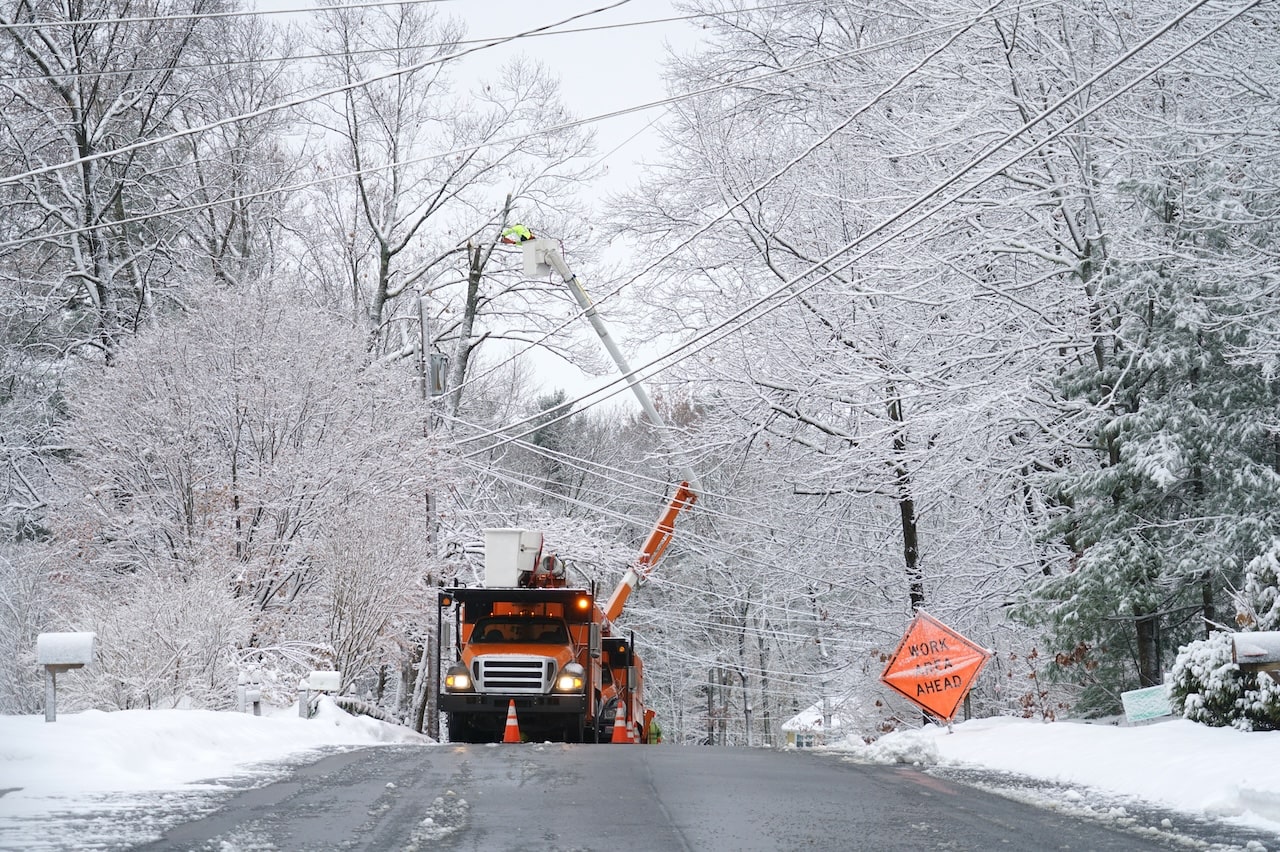
If your fiber service is down, the problem isn’t always on your side of the wall. Fiber internet power outage issues have more than one cause. Broken poles, fallen trees, and damaged fiber lines can interrupt your service even when your backup is ready. Severe weather can cause fiber service disruptions across entire neighborhoods.
How to Tell Which Problem You Have
The ONT status lights can tell you everything:
- PWR light off: Local UPS or power supply check is in order.
- PON red/blinking or LOS (Loss of Signal) lit: Provider-side problem. Time to call support.
- All lights are normal but WiFi is dead: Local router or WiFi power supply problem.

Step-by-Step: Size and Set Up Your Backup
A backup solution doesn’t just magically appear. You have to plan and set it up:
Step 1: Measure Your Load
The power label on your ONT and router will tell you what you need (look for “Input: 12V, 1A,” for example). Multiply the volts × amps to get the watts, or if you want to be more exact, use a Kill A Watt meter. To know how much power you need to keep the system going, add up your devices’ total watts.
Step 2: Pick Your Runtime Goal
Do you typically experience any of these?
- 2-4 hours: Enough for most grid blips
- 8-12 hours: Overnight storms
- 24+ hours: Rural area, winter prep
The longer your outage goal, the bigger your battery or portable power station for internet needs to be. For rural customers, it’s smart to build in extra time by referring to rural internet outage tips.
Step 3: Choose Your Solution & Wire It Right
Now, match your load and runtime goal to the appropriate backup option:
- A UPS for your router/modem: Simplest plug-and-play, typically one to eight hours of runtime
- A portable power station with DC-to-DC cable: Avoids inverter losses and gives you more runtime
- Generator vs. battery for WiFi: Choose based on outage length and available fuel or charge
Label your power cables and test UPS regularly to keep the batteries in shape. You should also use a runtime calculator UPS to confirm your load will last for how long you need.
Regular maintenance is just as important as the initial setup. Most UPS batteries need to be replaced every three to five years, depending on usage and storage temperature. Store your backup devices in a cool, dry place and run a short “pull-the-plug” test once every few months to confirm everything powers on properly. If you use a portable power station, keep it at least half-charged when stored and recharge it fully after each use. Taking a few minutes to maintain your backup gear ensures that when a real outage happens, your system performs exactly as expected.

WiFi Isn’t Everything: Test Your Wired Path
Keep One Ethernet Cable Handy
If you’re going to conserve battery life by turning off WiFi, skip the wireless connection. Plugging directly into your router can extend your laptop battery life and also can give you more consistent connection speeds. Even if you’re running low on power, keep one Ethernet cable ready to go between your laptop and the router. This is one of the simplest ways to manage Ethernet vs WiFi during outage scenarios.
Frequently Asked Questions
Do fiber lines carry electricity to my house?
No, unlike copper phone lines. Fiber optic cables transmit light, not power. Your ONT, router, and WiFi depend on local AC power. That’s why when the lights go out, your fiber internet power outage disconnects you, even if the provider’s system is up and running.
Will my provider keep neighborhood equipment running?
Yes, usually. Providers like 24-7 & West Wisconsin Telcom have battery and generator systems on their end. However, if a severe storm hits and causes fiber service disruptions, your service may still be interrupted.
Is a phone hotspot a good backup?
Yes, a mobile hotspot is an excellent emergency internet plan for internet access when fiber is down. Just keep data caps and cell signal strength in mind (especially indoors).
Local Help That Knows Outages: 24-7 & West Wisconsin Telcom
Local providers have your community’s conditions in mind. 24-7 & West Wisconsin Telcom understand the needs and challenges of network resilience at home first-hand, especially in rural communities where outages can be prolonged.
Why Go Local for Outage Planning
Local crews know the local conditions, weather, and infrastructure. That means better restoration times and equipment that’s been vetted to meet local grid and climate challenges. If you’re weighing a generator vs a battery for WiFi or need advice on storm preparedness internet, local support can help you save hours of time and frustration.
Get a Customized Backup Plan
24-7 & West Wisconsin Telcom can do an assessment of your current setup and offer recommendations:
- UPS or portable power station sizing for your ONT and router
- Wiring diagrams to ensure a safe connection
- Advice on ONT power requirements for phones, routers, and WiFi
They can help you understand your backup options, from a small modem battery backup solution to a full rural internet outage preparedness plan.
Talk to a Local Expert Today
Don’t get stuck offline. 24-7 & West Wisconsin Telcom can help you get set up with:
- A free 10-minute consultation
- Runtime estimates for your exact equipment
- Optional on-site install support
Contact us to set up a quick “power-out ready” assessment of your setup, or check out current fiber internet plans that have optimized ONTs. We’ll give you the expert advice you need on battery backup kits and power continuity solutions for WiFi. We can also show you how to power your router safely during an outage, whether you’re using a UPS, portable power station, or generator setup.
Read our resources to learn more about rural internet access, business fiber internet and future proofing.
A Little Prep Turns Fiber into a Lifeline
Fiber is rock-solid, but your home equipment is only as reliable as its power source. A modest investment, typically $80-$400 for a router UPS or portable power station, is all you need to keep your internet, voice, and emergency systems running through common outages.
A few smart steps now, like testing your UPS, optimizing power settings, and planning for fiber internet power outages, can transform your fiber service into a reliable lifeline when the grid goes dark.





